Premium Commercial Signage Ecosystem

Nextview Digital Signage

One premium platform for Standalone, Cloud, and LAN deployments across retail, corporate, healthcare, and education spaces.

3 Modes Standalone, Cloud, LAN
4K Ready Commercial playback
Remote + Local Control that fits your setup

Our Signage Display Products

Commercial display hardware designed for premium indoor signage experiences.

Complete Signage Range
32" Signage - Model A
32" Signage - Model B
32" Signage - Model C
32" Signage - Model D
43" Signage - Model A
43" Signage - Model B
43" Signage - Model C
43" Signage - Model D
55" Large Format Signage

Nextview Digital Signage Software Pricing

Flexible deployment options for Standalone playback, Cloud management, and secure LAN control.

One-Time License

Standalone Mode

₹3,500 + GST / device

Best for single screens that need stable playback without internet dependency.

  • One-time setup for a single device
  • Simple operation with local content playback
  • Ideal for retail displays, receptions, and standees
Annual Subscription

Cloud Mode

₹3,500 + GST / device / year

Made for teams that need remote updates, centralized control, and regular campaign scheduling.

  • Manage content remotely through the Cloud CMS
  • Ideal for multi-location and multi-screen networks
  • Perfect for brands with frequent content changes
One-Time License

LAN Mode

₹6,500 + GST / device

Built for locations that want fast internal content distribution inside the same LAN or Wi-Fi environment.

  • Works over the same LAN or Wi-Fi network
  • Fast, secure, and suited for larger internal deployments
  • Ideal for offices, schools, factories, and campuses

For pricing support, call +91 9904310022

Nextview Master Product Guide

Compare all three software modes in a cleaner format and choose the right setup for each type of business.

Standalone Mode

Manual and secure playback

Best for single screens or locations where internet access is not available or not required.

Cloud Mode

Remote control from anywhere

Ideal for franchises, retail chains, and teams that want centralized content control and live monitoring.

LAN Mode

High-speed LAN control

Perfect for secure internal environments that need fast transfers, larger files, and centralized local management.

Standalone Mode

Simple playback for standalone signage screens

This mode gives direct manual control through USB or pen drive content loading. It is ideal when internet dependency must be completely removed.
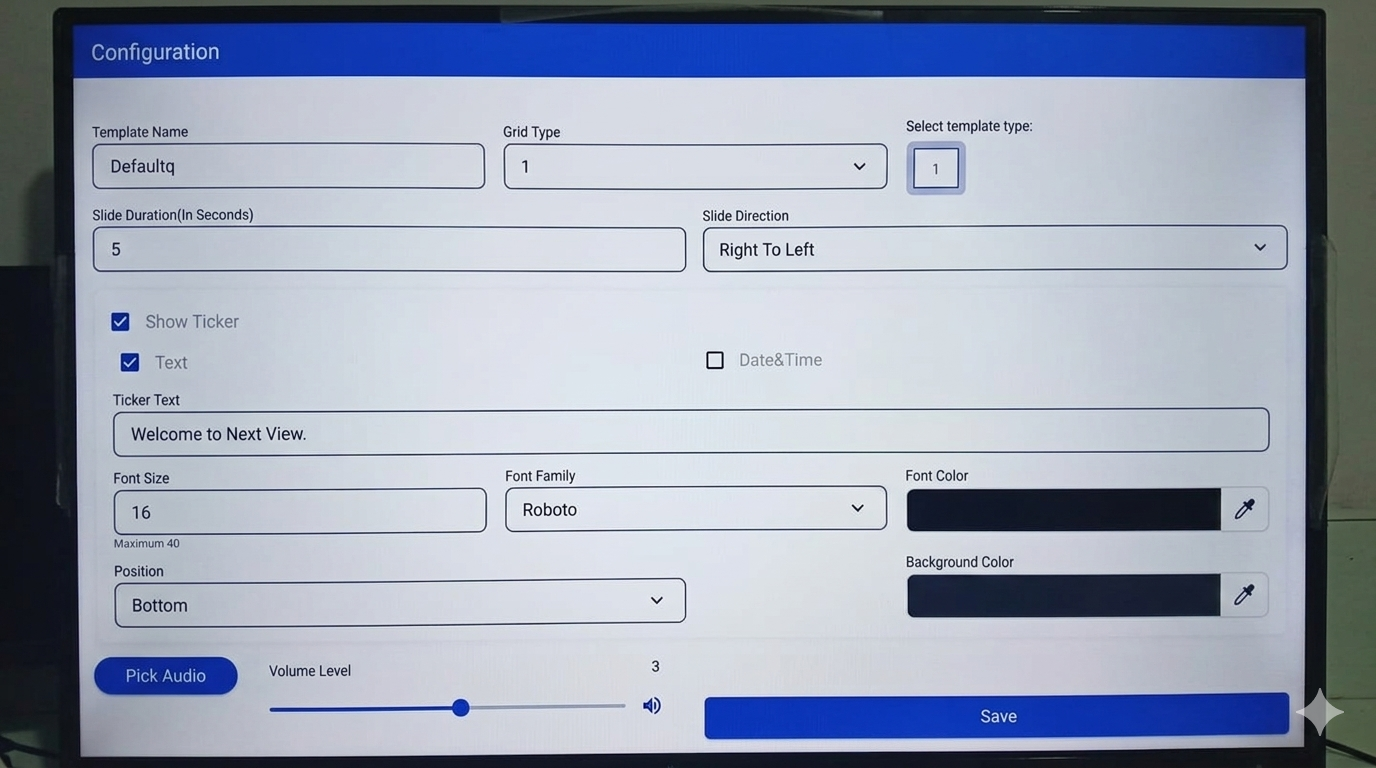
USB Plugin Standalone No Internet Needed
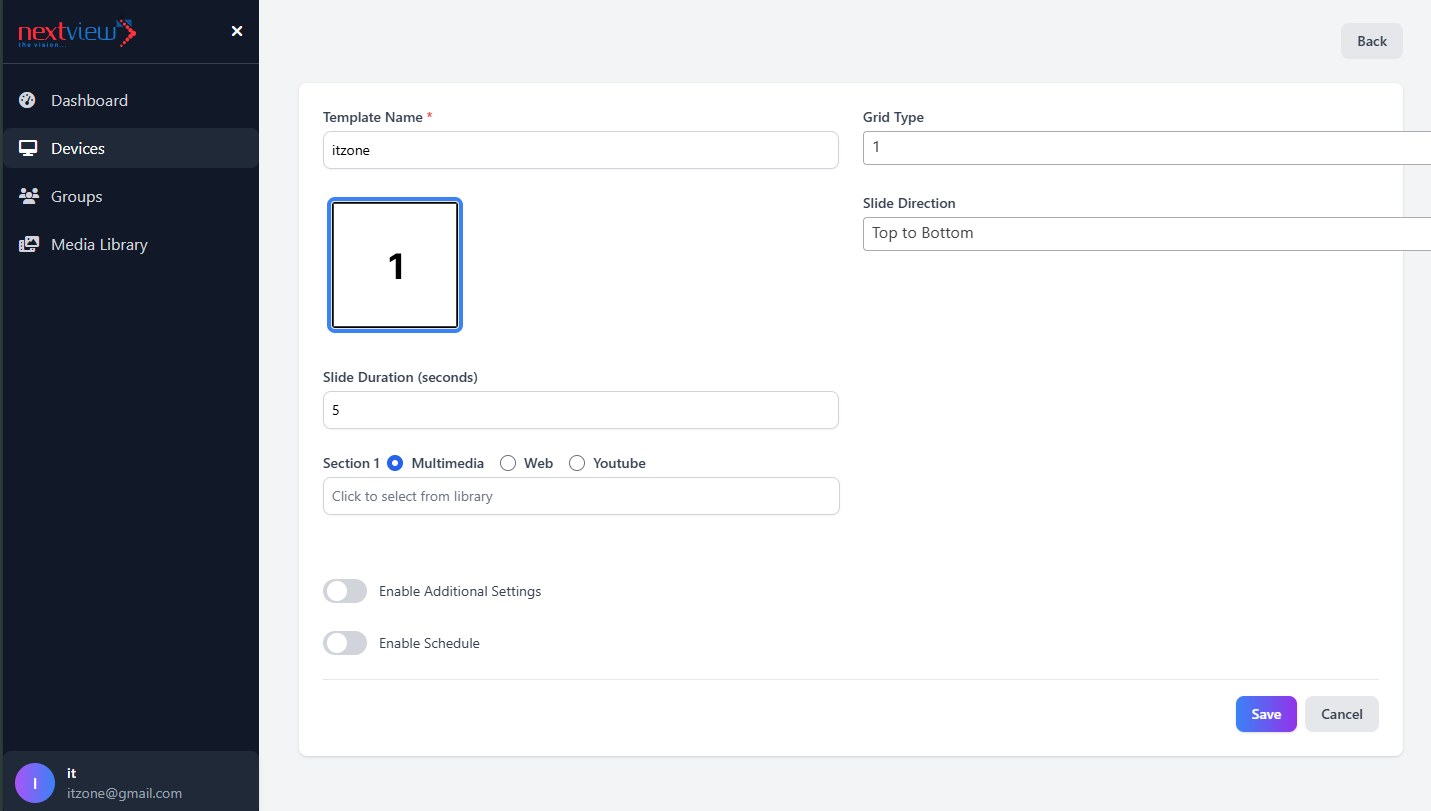
Nextview Standalone dashboard preview

Best for

Single retail shops, elevator displays, offline digital standees, and installations in zero-internet environments.

Why choose this mode?

It keeps playback local, secure, and easy to operate without any remote access dependency.

  • Content Source: USB / Pen Drive
  • Screen Split: Full / Dual / Multi
  • Ticker Text: Scrolling support
  • Orientation: Portrait / Landscape
  • Screen Ratio: 16:9, 9:16, 4:3
  • Layout Config: Split screen design
  • Slide Duration Control: Custom timing
  • Transition Direction: Multiple effects
  • Ticker Settings: Toggle, content source, custom text
  • Typography: Font size, family, colors, alignment
  • Audio: Background sounds with master volume control
  • Configuration: Save and apply settings

Technical limitations

  • Video Format: .MP4 only
  • Max Video Size: 150 MB per file
  • Video Count: Maximum 5 files
  • Image Format: .JPG / .JPEG
  • Max Image Size: 10 MB per file
  • Image Count: 50+ files

Download Nextview Digital Signage Software

Download the correct software package for your screen, CMS, and deployment type.

Standalone & Cloud

Use the Standalone APK

The same Standalone APK is used for both Standalone mode and Cloud mode on TV, signage, kiosk, and standee devices.

LAN Mode

Use the LAN APK + EXE Package

For LAN mode, connect your PC and TV/signage to the same internet, then use the LAN APK on the display and the EXE on the controlling PC.
Standalone Mode
Standalone APK

Standalone APK

Use this APK for Standalone mode on Android TV, signage displays, and digital standees.
  • Download APK
  • Install in TV or signage
  • Open and send device ID to 9227896944
  • Ready to use
  • Watch Use Case tutorial for better understanding
LAN Mode
LAN APK and EXE

LAN APK + EXE

Use this package when the PC and TV/signage are connected to the same internet for LAN mode setup.

  • First connect same internet in PC and TV/signage
  • Download APK and EXE
  • Install EXE in your PC and open CMS, password is 0408
  • Install APK in your TV/signage
  • Send device ID, enter licence code, and activate APK
  • Ready to use
  • Watch tutorial
LAN Licence Key
LAN licence key web

Licence Key Web

Use this web portal to generate licence keys for LAN devices when you buy LAN licences in bulk.

  • If you buy licence in bulk for LAN, open this web
  • Login and generate key for device
  • Use the key during LAN APK activation
  • Watch Use Case tutorial
Nextview Signage Guide

Setup Instructions by Mode

Follow the setup flow below to activate the correct mode and start managing content quickly.

Standalone & Cloud Mode Activation

  1. Download and install the Standalone APK on the TV, signage display, or standee device.
  2. Open the app and note the device ID displayed on the screen.
  3. Send the device ID to WhatsApp at +91 92278 96944.
  4. For Standalone mode, the device will be activated and is ready to use.
  5. For Cloud mode, send device ID and your details to receive CMS login credentials.
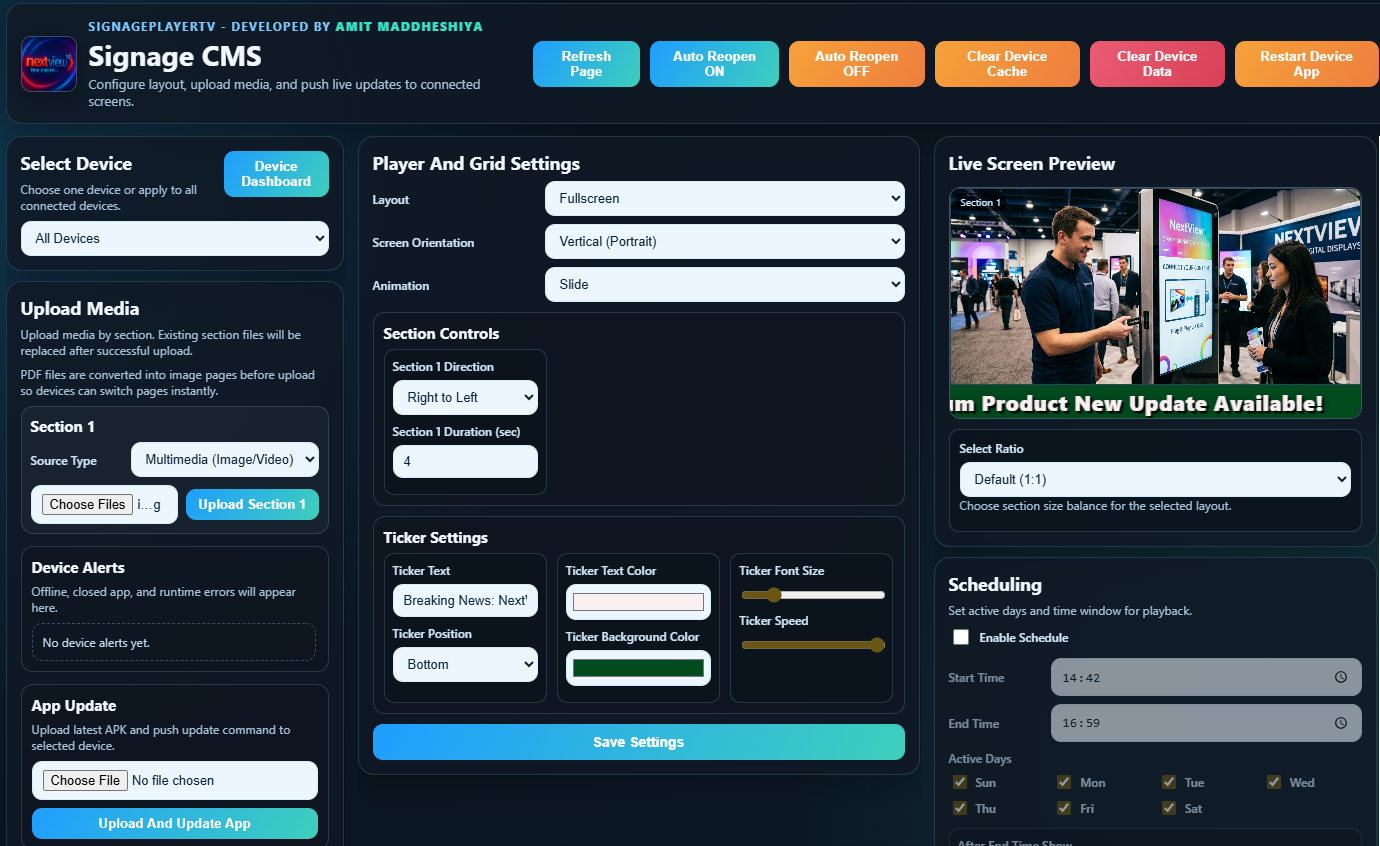
  6. Login to the CMS web and start managing content online.

LAN Mode Setup

CMS Setup Password 0408
Send Device ID To +91 92278 96944
  1. Connect the PC and TV/signage to the same internet connection.
  2. Download NVA-SignagePlayerTV-Setup.exe and install it on your PC.
  3. Open the CMS and enter the password 0408.
  4. Install NVA-SignagePlayerTV.apk on the TV or signage device.
  5. Open the app, send the device ID on WhatsApp, then enter the licence code and activate the APK.
  6. If you manage bulk LAN licences, open the licence key web and generate keys for devices.
  7. After activation, upload content from CMS and start playback.
Important: LAN mode works only when the Windows PC and display device are connected to the same internet or LAN network.

Support & Company Information

NextView Technologies India Pvt. Ltd.

Nagrik Bank Building, Maurya Atria, Bodakdev, Ahmedabad, Gujarat.

Support: +91 9227896944 | +91 9904310022

Industries & Sectors

Built to serve high-traffic and high-visibility environments across industries.
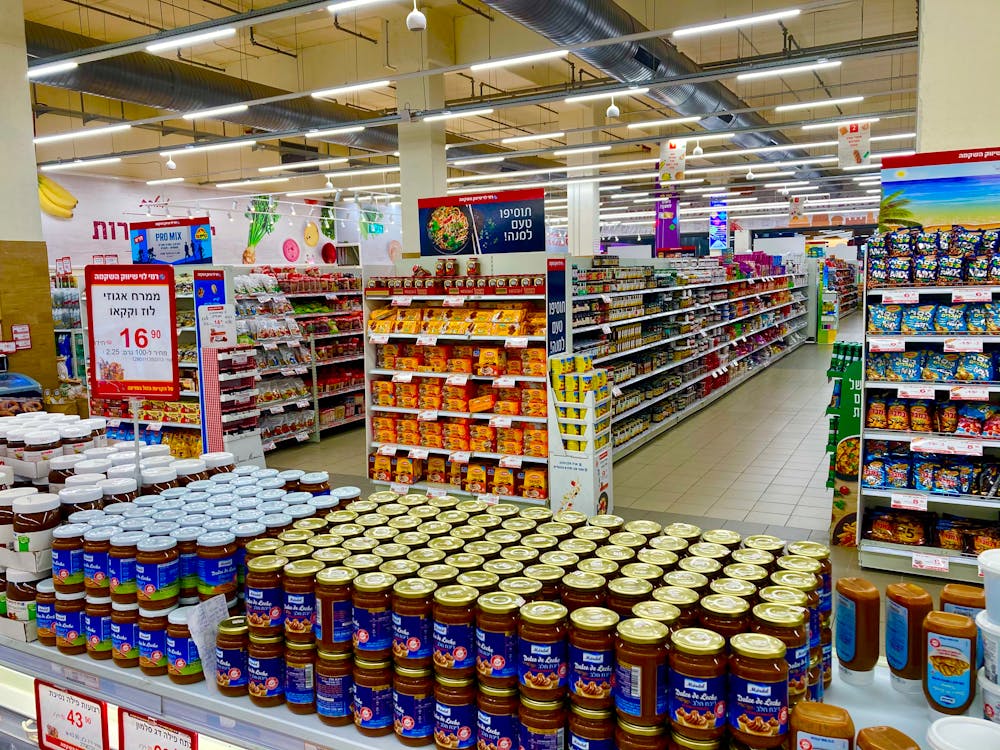
Retail

Retail

Hospitality

Hospitality

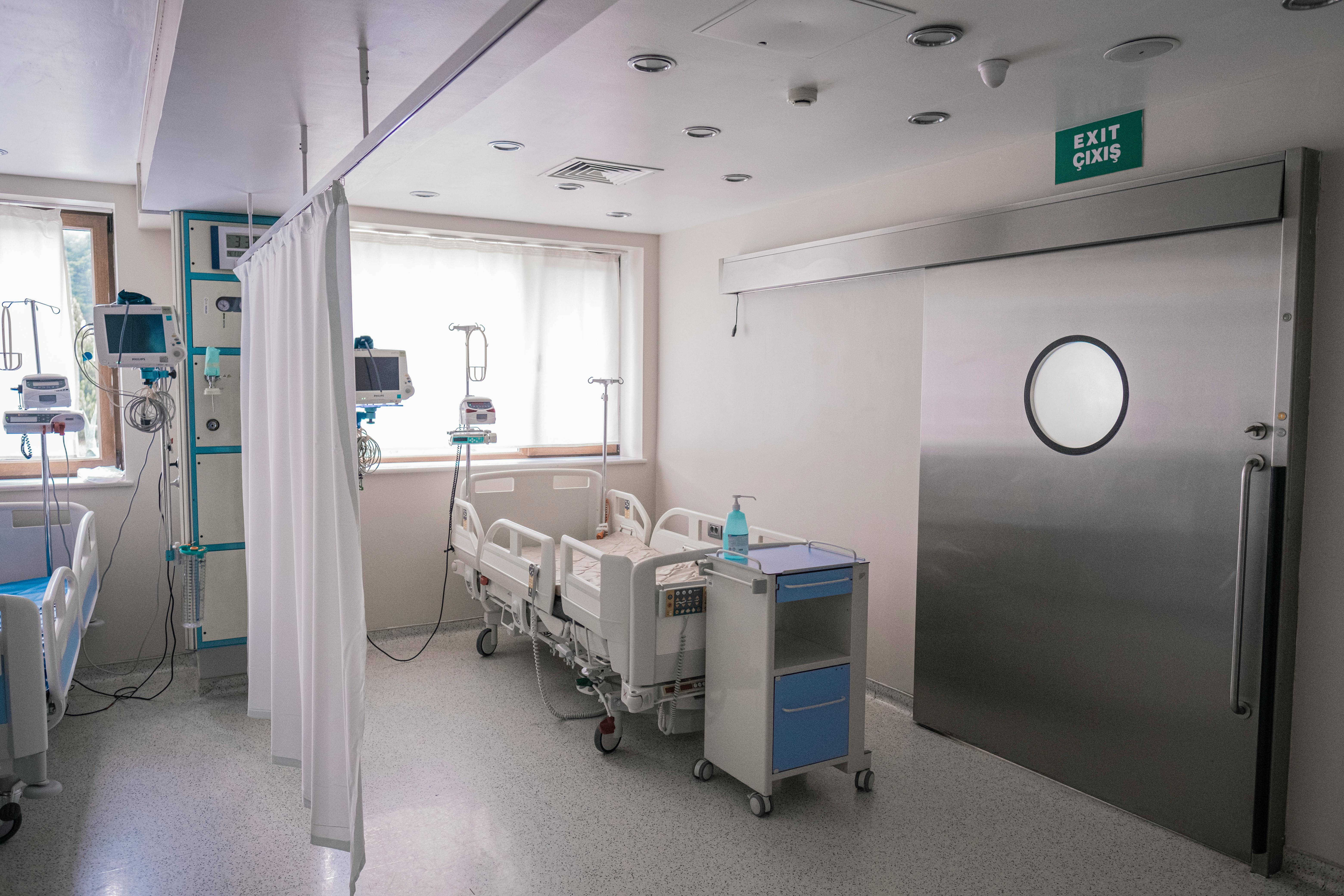
Healthcare

Healthcare

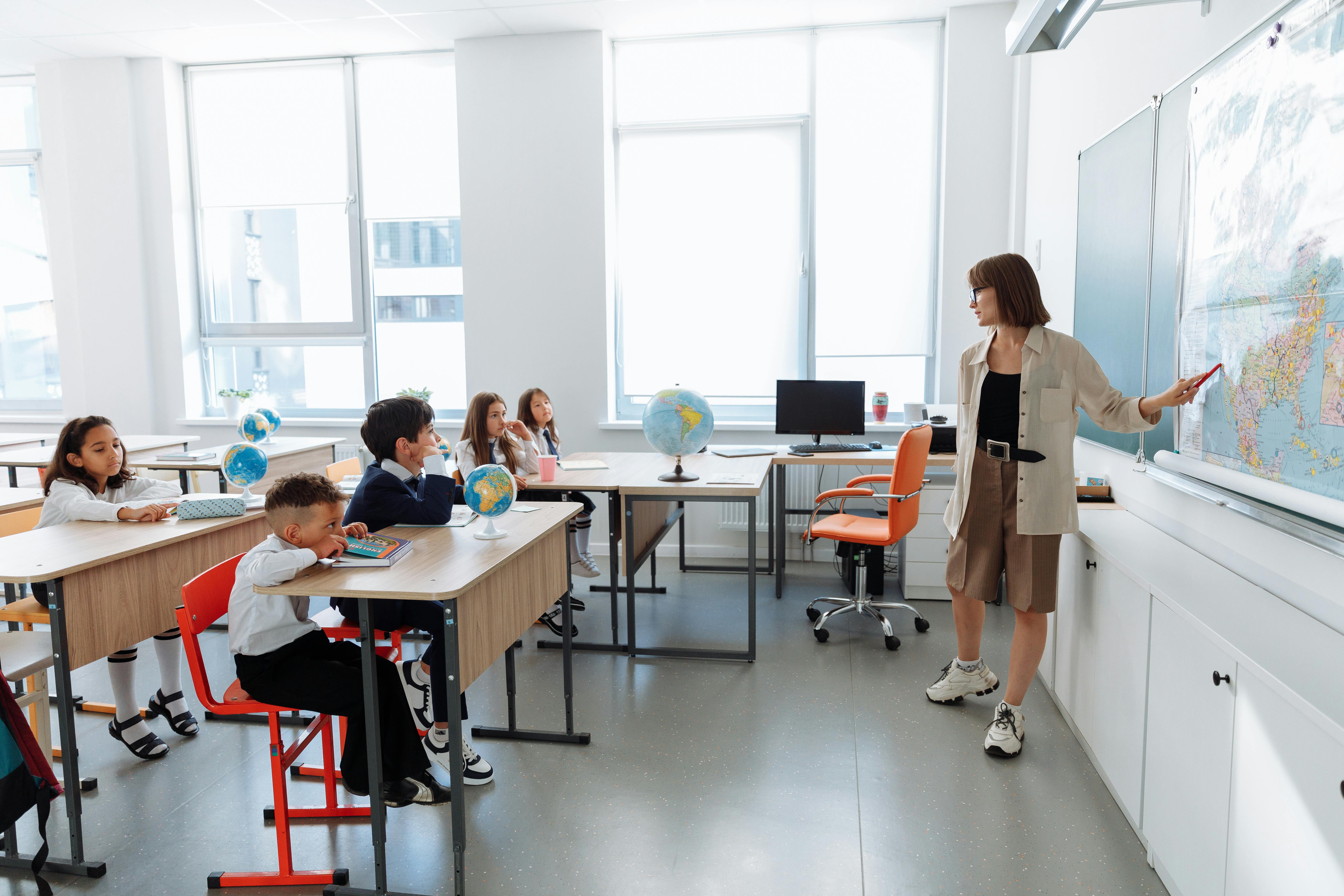
Education

Education

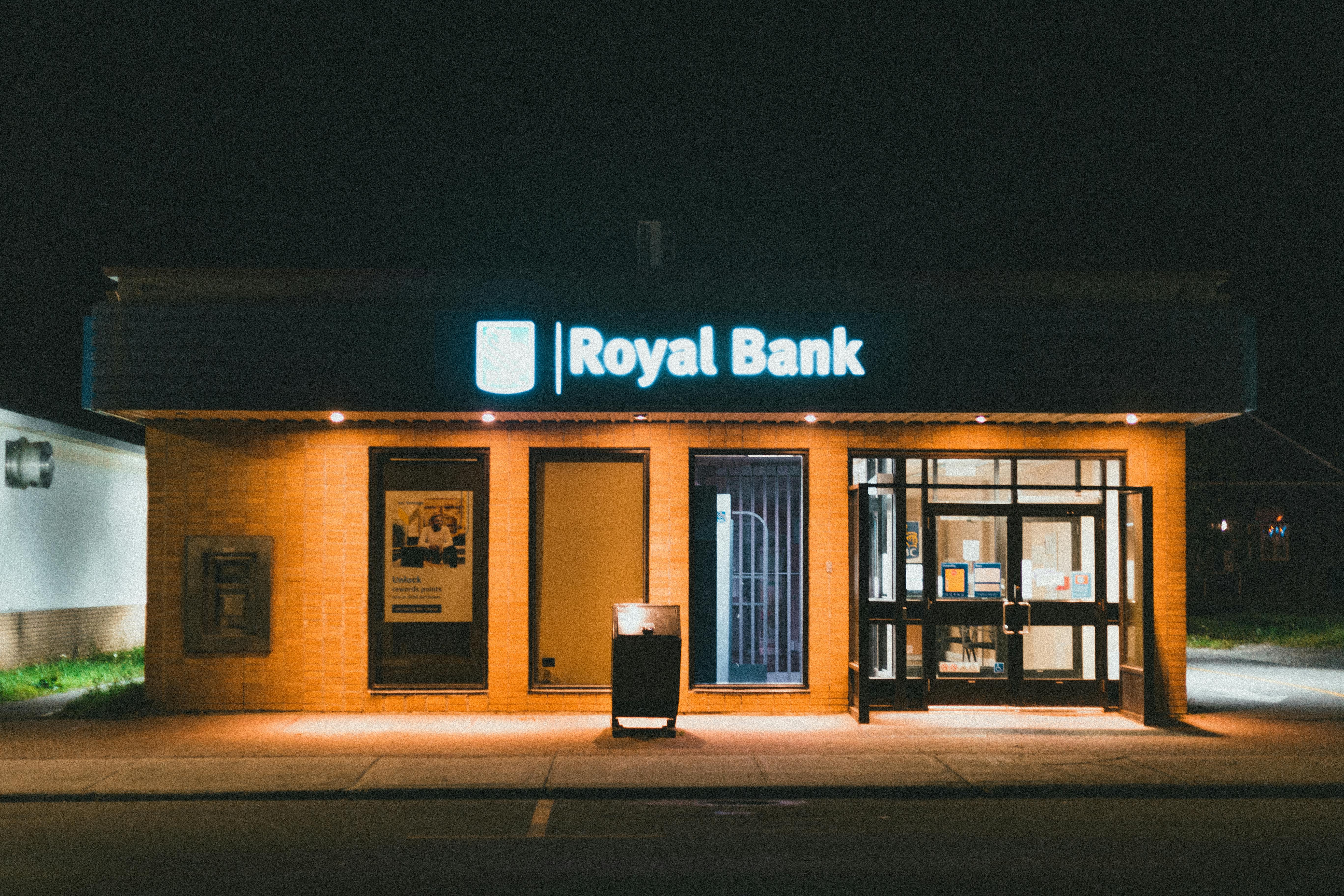
Banking

Banking

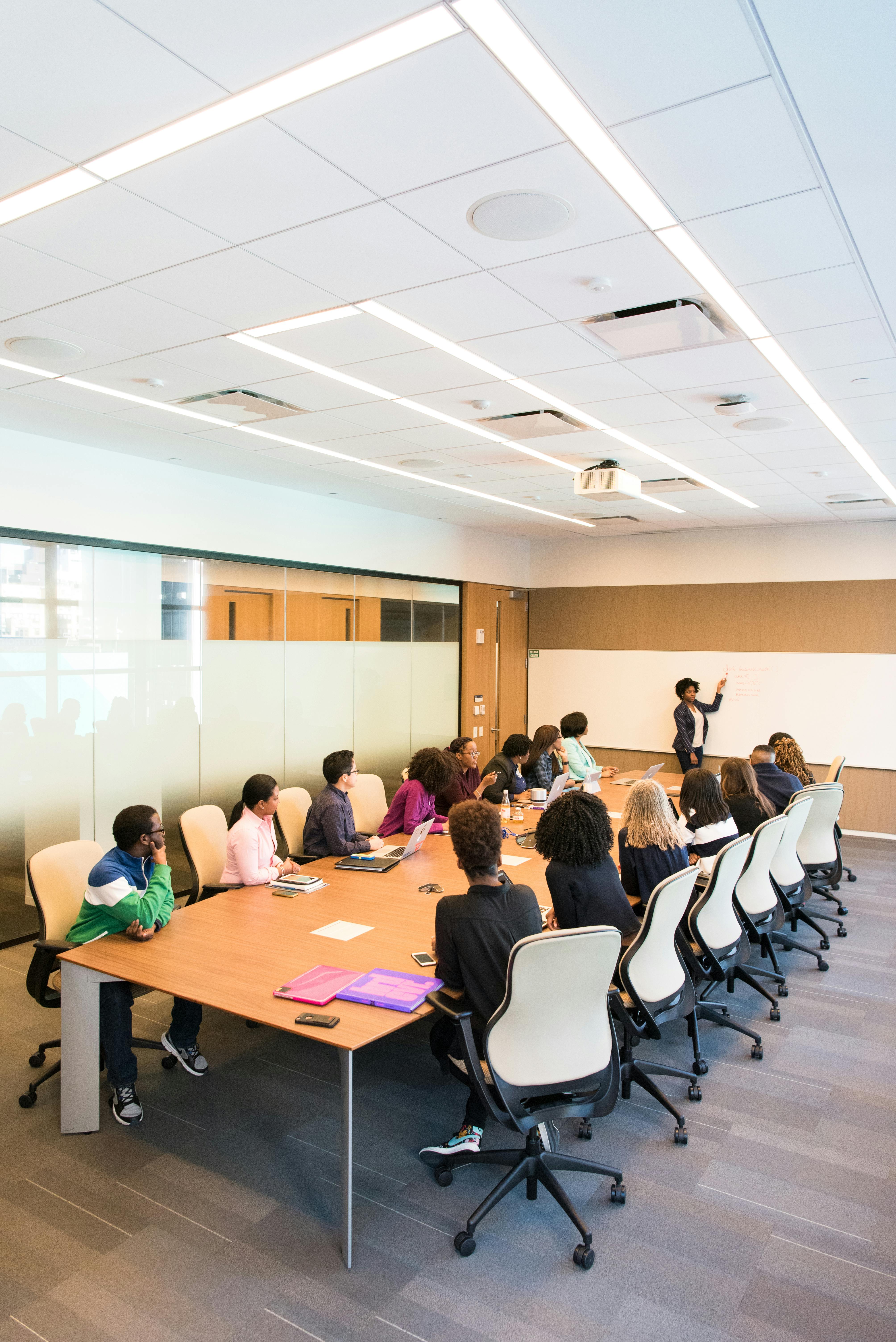
Corporate

Corporate

Transportation

Transportation

Events

Events

Use Cases & Tutorials

Quick setup tutorials and usage guides for every major deployment mode.

1
Mode Tutorials

Standalone

2
Mode Tutorials

Cloud

3
Mode Tutorials

LAN

Platform Features

A focused overview of the capabilities that make Nextview easy to deploy, manage, and scale.

Content & Layout Control

Design flexible screen experiences with playlists, templates, zones, and split-screen layouts.

Image, video, web, and mixed media support Portrait and landscape layouts Ticker, clock, and branded info bars Template-driven screen design

Scheduling & Automation

Run campaigns on time with repeat scheduling, duration control, and automated playback behavior.

Day-wise and date-wise scheduling Campaign start and end timing Auto playback on device boot Always-on commercial usage support

Device Management

Control one screen or many screens with fast pairing, grouping, monitoring, and remote operations.

Remote device pairing and grouping Live screen status and preview Restart, update, and maintenance actions PC, mobile, and local control workflows

Business & Security Ready

Built for commercial operations that need reliable uptime, controlled access, and scalable deployments.

Standalone, Cloud, and LAN deployment options User access control and secure management Multi-location rollout support Suitable for retail, corporate, healthcare, and education

Contact Us

Reach out to us for demos, software details, or custom signage solutions.

Or call us directly: +91 92278 96944